Download. Install. Create from your DAW
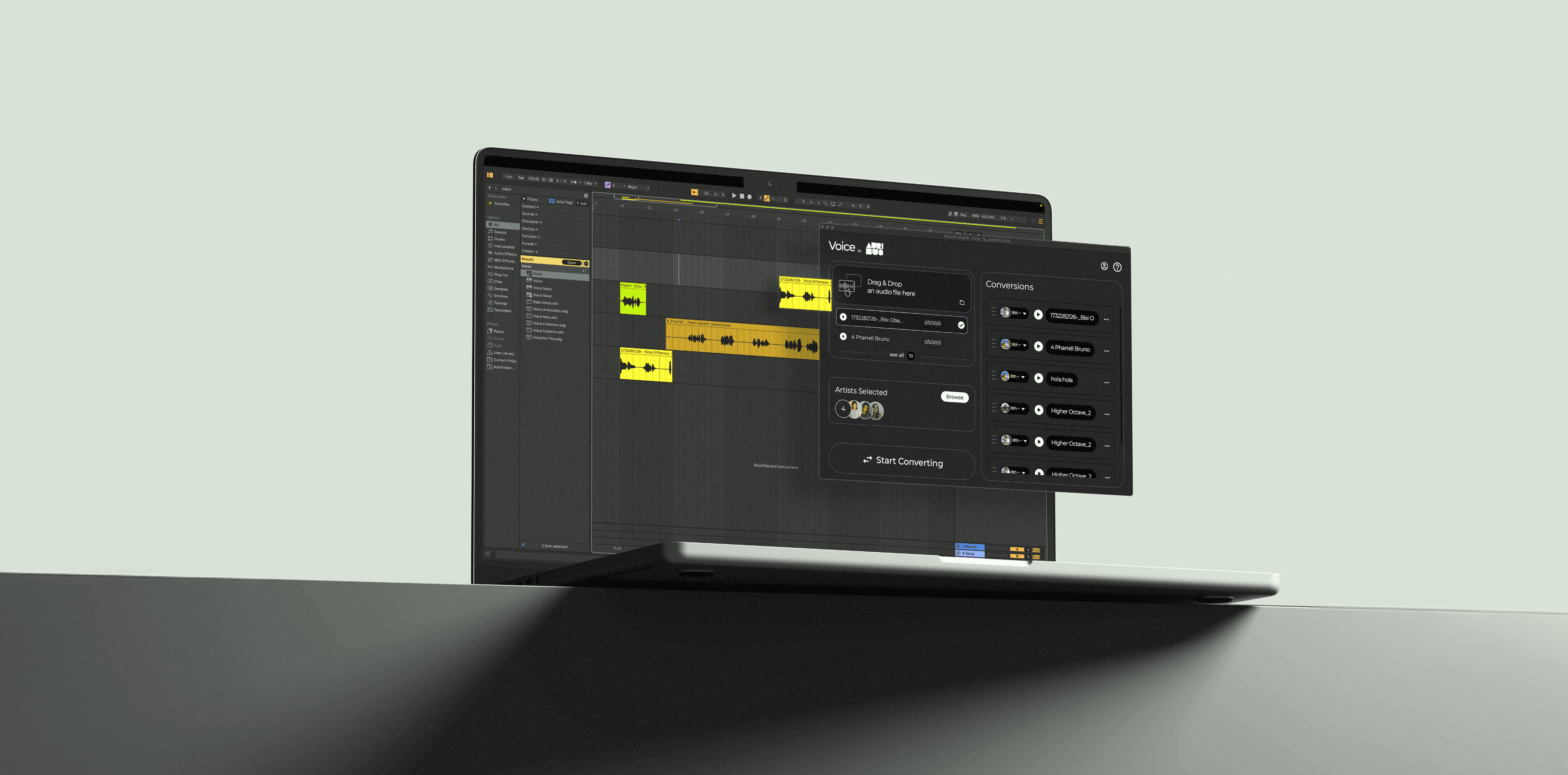
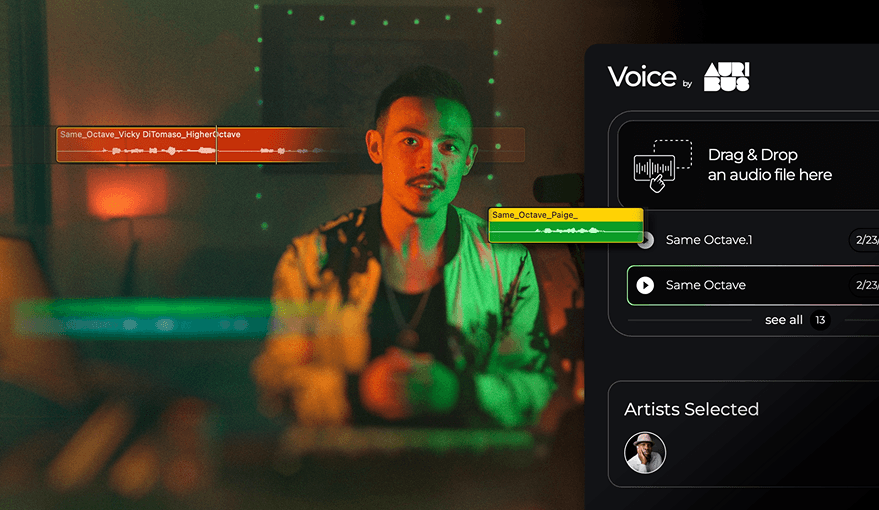
Now you can use Voice by Auribus on your DAW, simply Drag & Drop to convert your vocal tracks
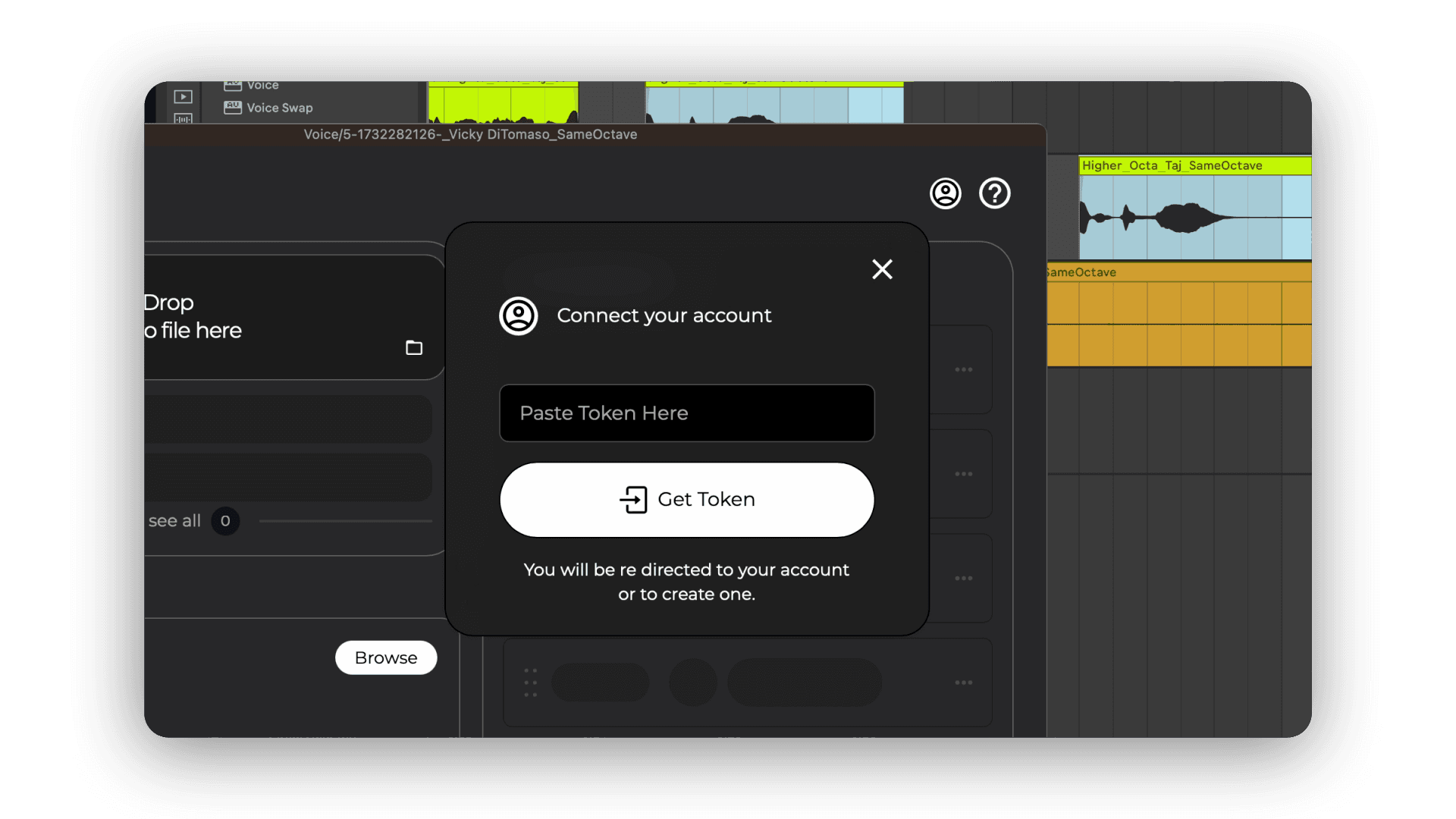
Head over to Auribus.io and create an account. Once you're in, navigate to your Profile page—you'll find a TOKEN, a unique code generated just for you. Copy and paste it into the plugin's login window. You can access your profile anytime by clicking the profile icon.
Got the plugin open on a track? Great! Now, just drag and drop the section you want converted into the designated area on the upper right side. A big window will pop up to "catch" your track, and you'll see the upload progress at the top center of the plugin. Your recording will appear just below the drop area.
Heads up! If your track is longer than 4 minutes and 30 seconds, we’ll let you know.
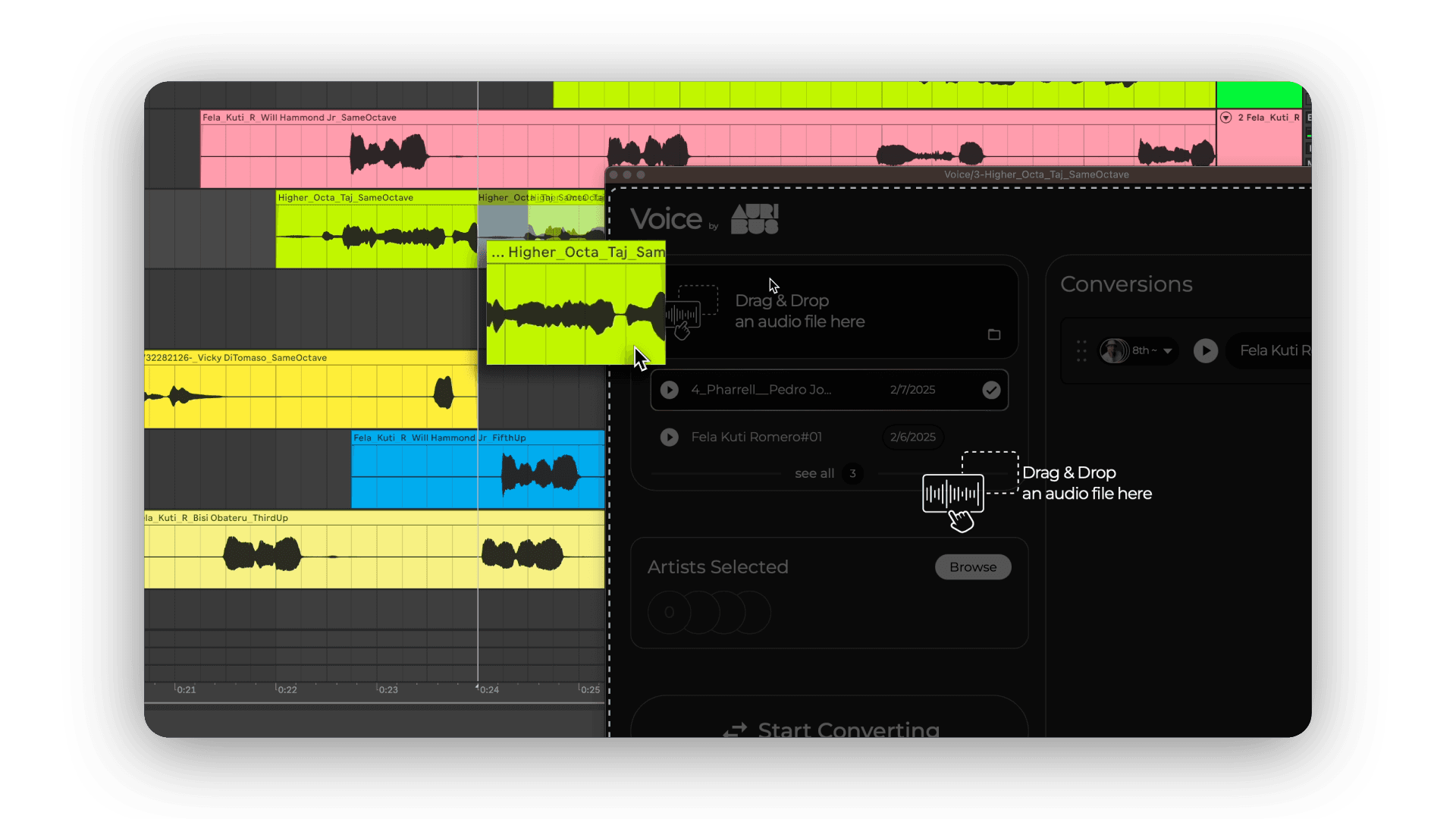
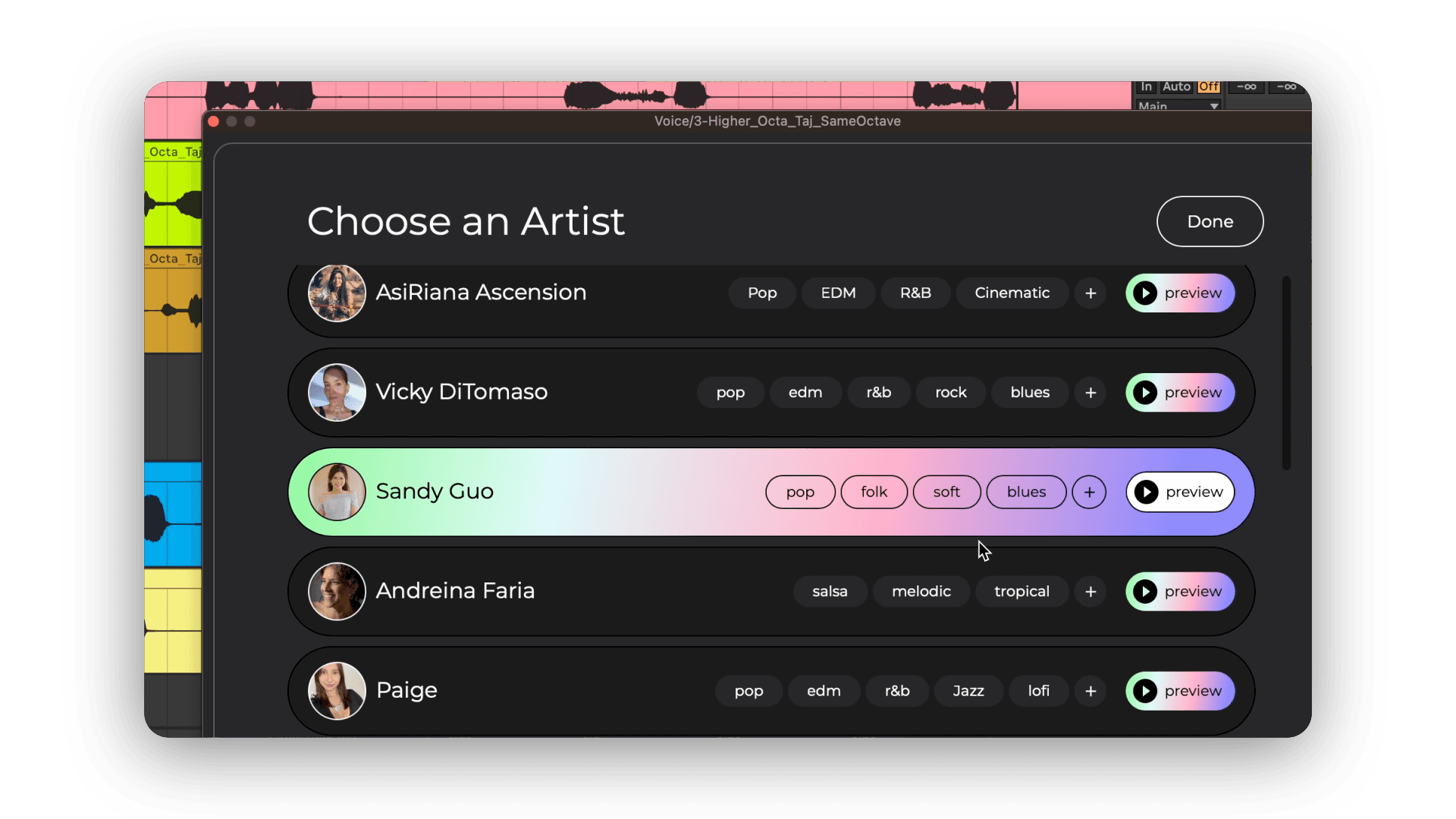
Select the track you want converted, then head down to the Artists section and click “Browse” to explore our lineup of exclusive vocalists. On the right side of the screen, you'll see a “Preview” button—click it to hear a snippet of your recording transformed into each artist's voice.
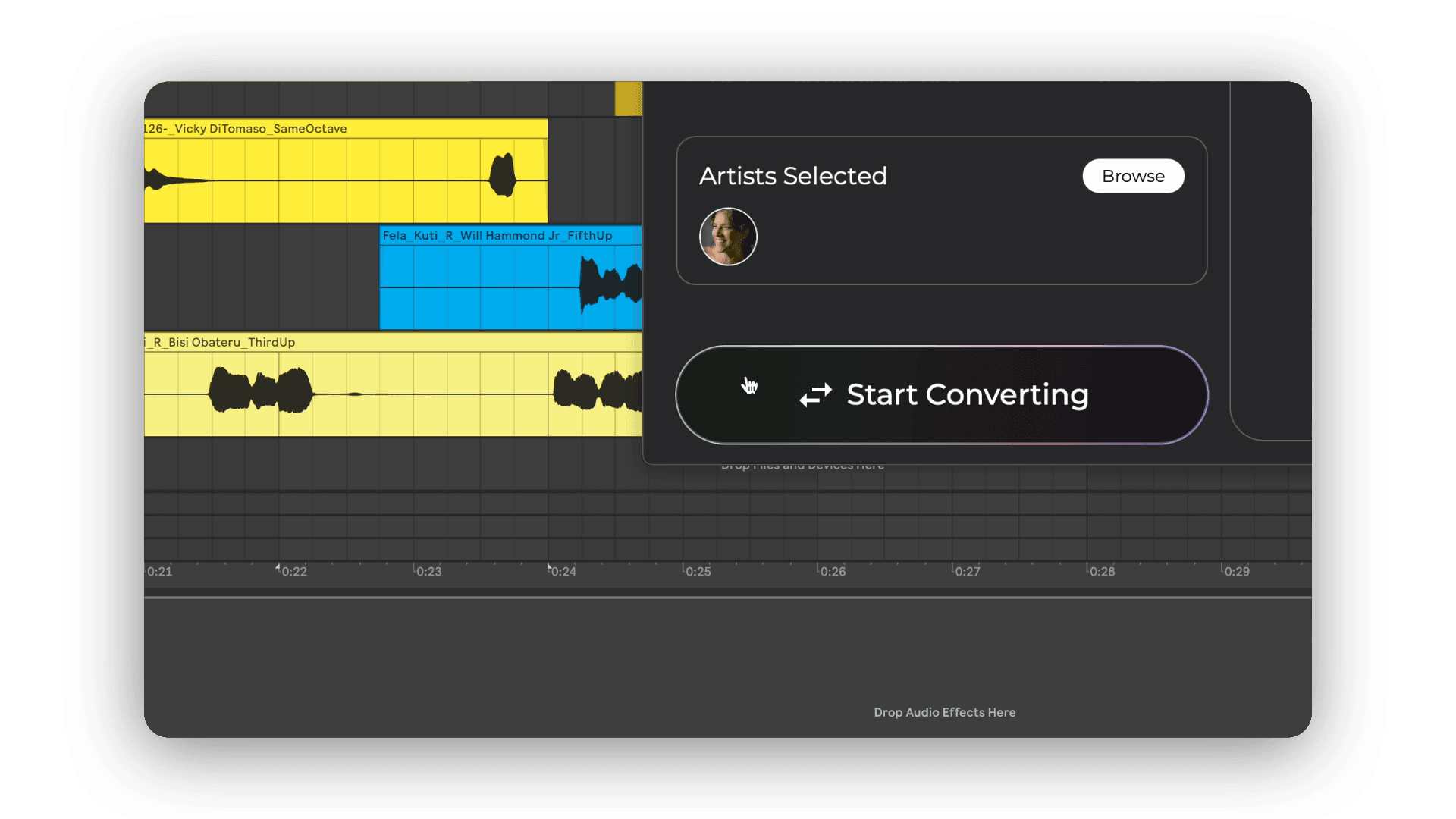
Why Preview? Because picking the right voice is key! It saves you time and ensures you don't use up minutes from your plan on the wrong fit. Once you've found the one (or a few!), select them and hit “Done”. You'll see your chosen artists listed in the Artists section, and you're all set for the final step!
Click “Start Converting” below the Artists section to begin transforming your recording into the voice(s) you selected.
Processing Time: The length of your track and the number of artists you pick will affect how fast conversion happens. Remember, the max length per conversion is 4 minutes and 30 seconds.
Before conversion starts, we'll also double-check your available minutes to make sure you're good to go.
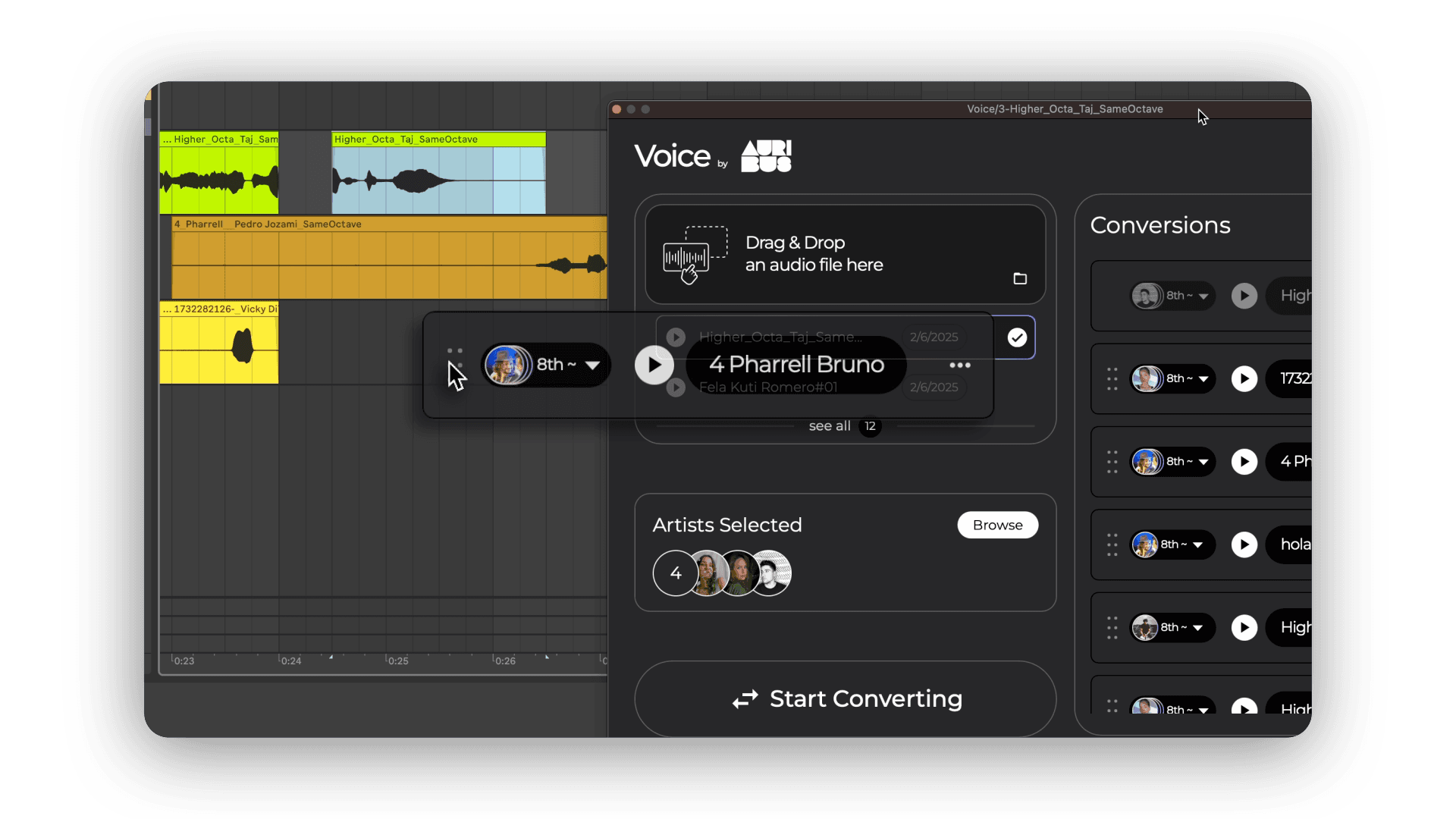
Once conversion is complete, your newly processed track will appear at the top of the Conversions List on the right-hand side of the plugin. A “Grip” icon will pop up next to it—just drag and drop your transformed vocal back into your DAW and start working your magic.
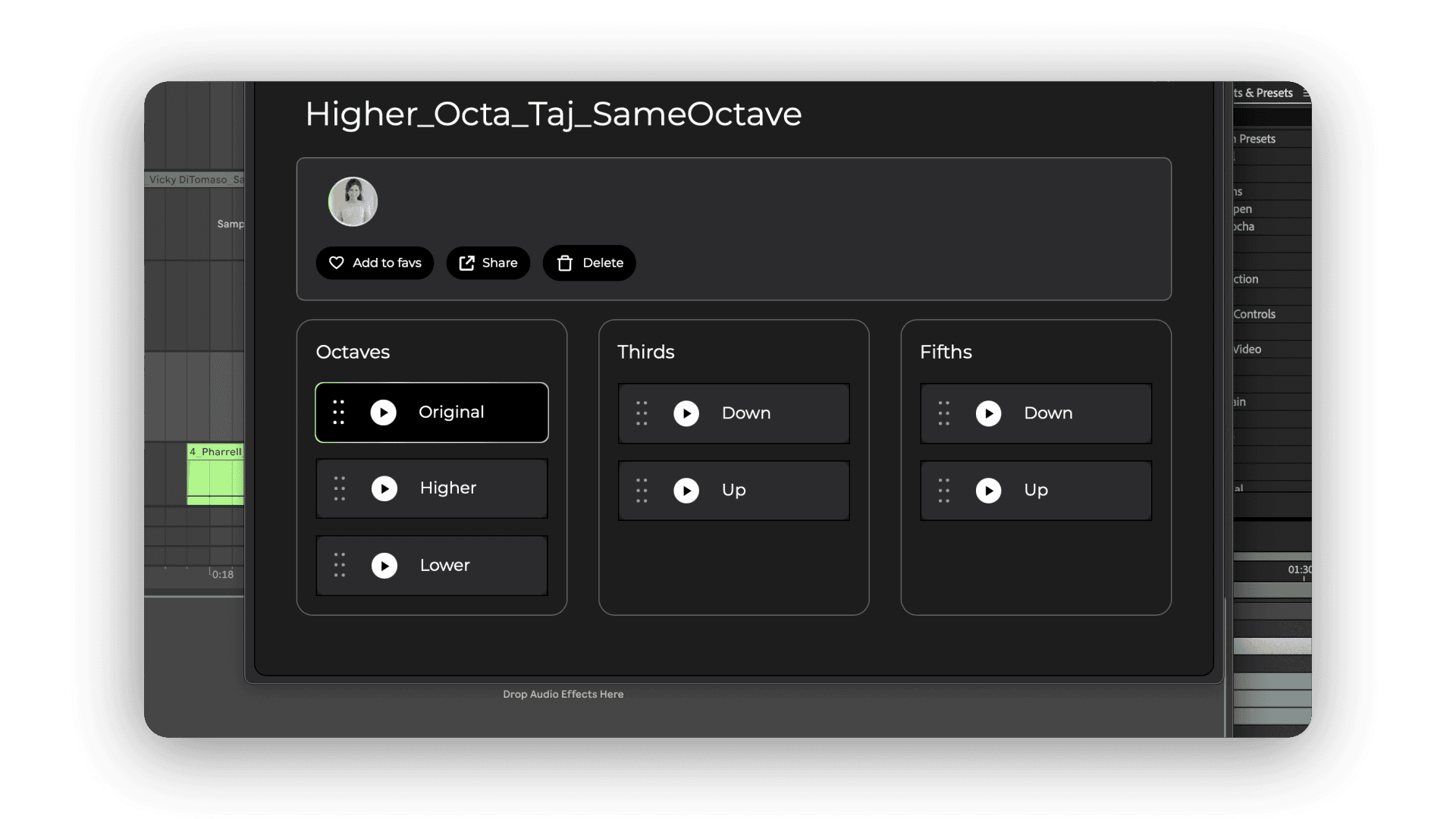
Want to experiment with harmonies? On Standard and Premium, every converted track includes alternative versions, such as Higher & Lower Octaves, Thirds & Fifths. Free conversions keep the original octave.
To access these, click on the artist's icon (next to the Play button) or the three-dot menu. From there, you can preview and drag & drop your preferred variations back into your DAW. If you converted your track to multiple artists, you'll see all their versions here too.